STEP 01
Download & install in seconds
Get the free Mivisus desktop app for Windows or Linux. No account required. Just download, install, and you're done.
🪟 Windows
🐧 Linux
🍎 macOS Coming soon
↓ Download Desktop Client
STEP 02
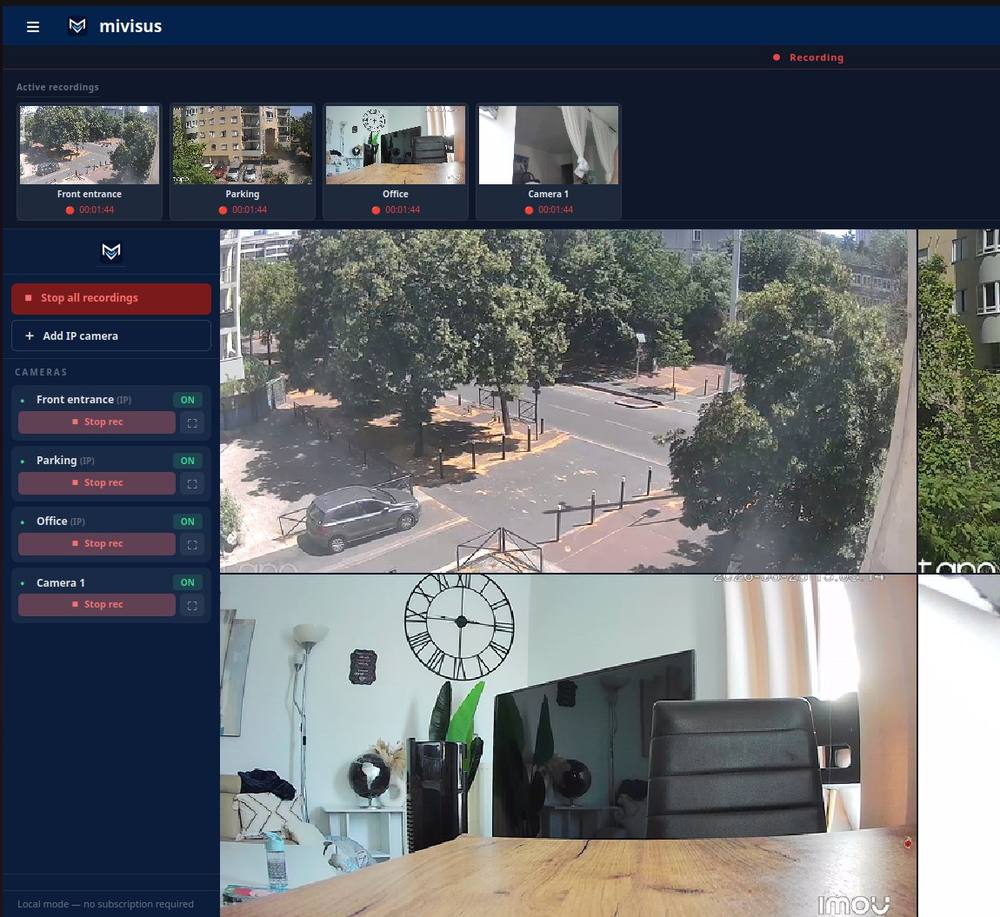
Connect your cameras, watch locally
USB webcams are detected automatically. Add IP cameras by scanning your network. Watch live video directly on your computer — everything stays local, nothing leaves your machine.
✓ No account required
✓ Works offline
✓ USB auto-detected
STEP 03
Optional: access from anywhere
Create a free account to stream your cameras to your secure dashboard. Watch from your phone, tablet, or any browser — wherever you are.
Free account
📱 Any device
